
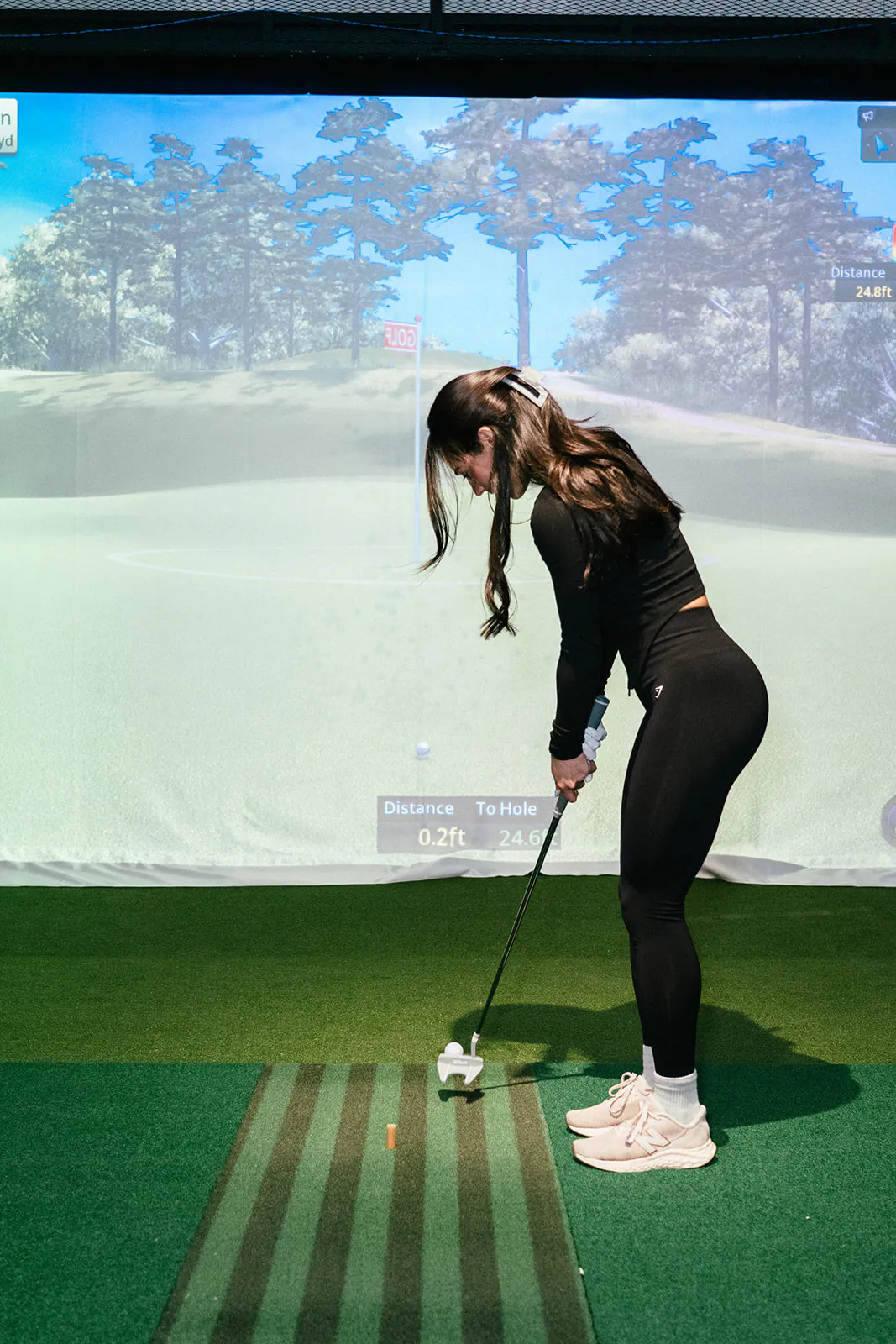
A launch monitor measures the club and the ball for a split second around impact, and the software works out the rest. The result is a row of numbers that can look like a cockpit the first time you see it.
At PGM Indoor Golf every bay gives you distance and shot shape after every swing, and Swing Cam lets you watch the swing back. The exact list of figures differs between systems, so read this as a guide to what most simulators show, and match it to whatever your bay puts on screen.
Ball numbers: speed, launch and spin
These describe the ball as it leaves the club. They are the inputs the software uses to draw the flight.
- Ball speed. How fast the ball leaves the clubface. It is the biggest single driver of distance. More ball speed from the same swing usually means a better strike, not a harder one.
- Launch angle. The angle the ball leaves at, measured up from the ground. Too low and it falls out of the air early. Too high and it climbs and stalls. With a driver many golfers land somewhere around 10 to 16 degrees, but the right figure depends on your speed and spin.
- Spin rate. How fast the ball spins backwards, in revolutions per minute. Spin holds the ball up and stops it on the green. A driver often sits roughly between 2,000 and 3,000 rpm, and a common rule of thumb for irons is about 1,000 rpm per iron number, so a 7 iron near 7,000.
- Spin axis. The tilt of that spin. A tilted axis is what makes the ball curve. On most systems a positive number means a curve to the right and a negative number a curve to the left, but check how your screen labels it.
Club numbers: speed, smash, path and face
Club numbers describe what the club was doing at impact. Some systems show a few, some show them all. If your bay shows none, the ball flight still tells you most of the story.
- Club speed. How fast the clubhead was travelling just before impact. It tells you how much distance is available, not how much you got.
- Smash factor. Ball speed divided by club speed. Think of it as a strike score. With a driver the ceiling is about 1.50, a solid mid iron often sits around 1.30 to 1.38, and wedges come in lower again. A sudden drop usually means you missed the centre of the face.
- Club path. The direction the clubhead travels through impact, compared with the target line. Positive usually means in to out, negative means out to in.
- Face angle. Where the clubface points at impact, compared with the target. The ball starts mostly where the face points.
- Face to path. The gap between the two. When the face is open to the path, the ball curves right for a right-handed golfer. When it is closed to the path, it curves left. This one figure explains most curve, and it sits at the centre ofhow to fix a slice.
Distance numbers: carry, total and offline
- Carry. How far the ball flies in the air before it lands. The most dependable distance on the screen.
- Total. Carry plus bounce and roll. It depends on the virtual ground setting, so it moves when the course changes even if your swing does not.
- Offline, or side. How far left or right of the target line the ball finished. Some screens show a distance, others a direction in degrees.
For the longer version of why carry is the number to build on, our post on how accurate golf simulators are separates what the system measures from what it models.
Flight numbers: apex and descent angle
Apex, sometimes called peak height, is the highest point of the flight. Descent angle, or landing angle, is how steeply the ball comes down. Together they tell you whether a shot will stop.
A steep descent lands softly and stays close to where it lands, which is what you want into a green. A shallow one runs out, which helps off the tee and hurts on approach. Iron shots coming in somewhere around 45 to 50 degrees tend to hold greens, while drives land flatter. Treat those as rough figures that vary a lot from player to player.
Understanding golf simulator numbers: the three to watch first
A full screen of data is more than anyone can use in one session. Start with three and ignore the rest until they settle.
- Carry. Hit five or six balls with one club and write down the middle carry, not the longest. That is your real number for that club.
- Offline. How far from the line each ball finished. Your spread left and right says more about your game this week than any single long shot.
- Smash factor. Or ball speed, if your bay does not show smash. It tells you whether you found the middle of the face, and better strike usually adds distance before extra swing speed does.
Add launch and spin once those three are steady. Add path and face when you start working on the curve.
Read the middle, not the best
Any single reading can be off, especially after a thin or toe strike. Judge a club by the middle of a group of shots. If one number looks impossible, watch that swing back on Swing Cam before you change anything.
Putting the numbers to work in a bay
Keep it simple: one club, a handful of balls, one number to watch. Change one thing, hit another handful, and compare the middle of each group. The virtual driving range is the right place for that kind of work, and the more than 200 virtual courses are there when you want to see whether the numbers hold up on a real hole. The how it works page covers booking, door access and what is in each bay.
Rates are $18, $30 or $35 an hour for the whole bay depending on the time, plus GST, and the rates page shows which hours fall where. When you are ready, pick a time on the Calgary booking page, bring your clubs, and start with carry.